Durham Mobile Massage
Your Client Centre.
A calm, private place for your appointments, invoices, secure messages, documents, and care-related requests. Your protected client portal is activated through a dedicated practice platform, not a regular website form.
One place, thoughtfully organized
Everything clients need, without asking email to do too much.
The Client Centre is designed around the way a premium mobile service should feel: simple to use, clear about what happens next, and respectful of your privacy.

Appointments
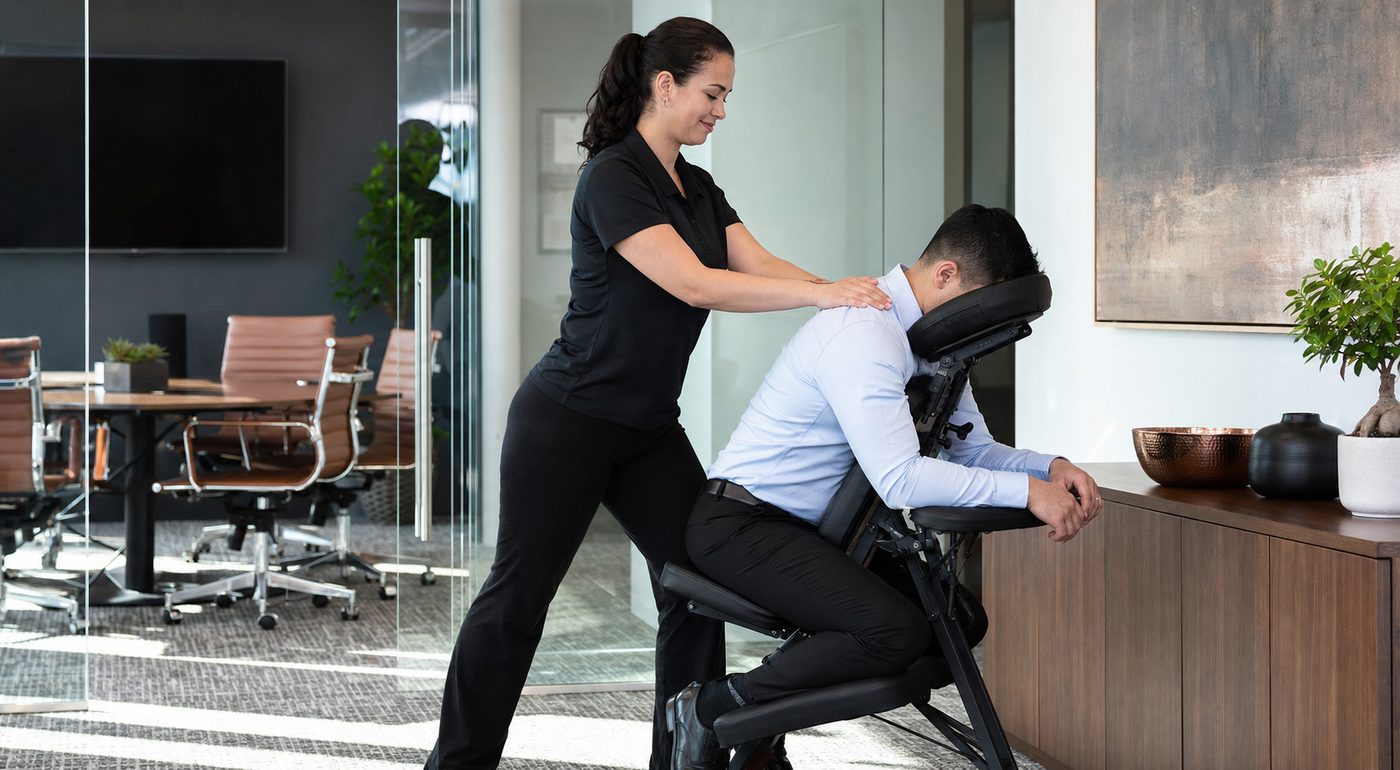
Request, confirm, reschedule, and review upcoming appointments from one secure place.
Billing
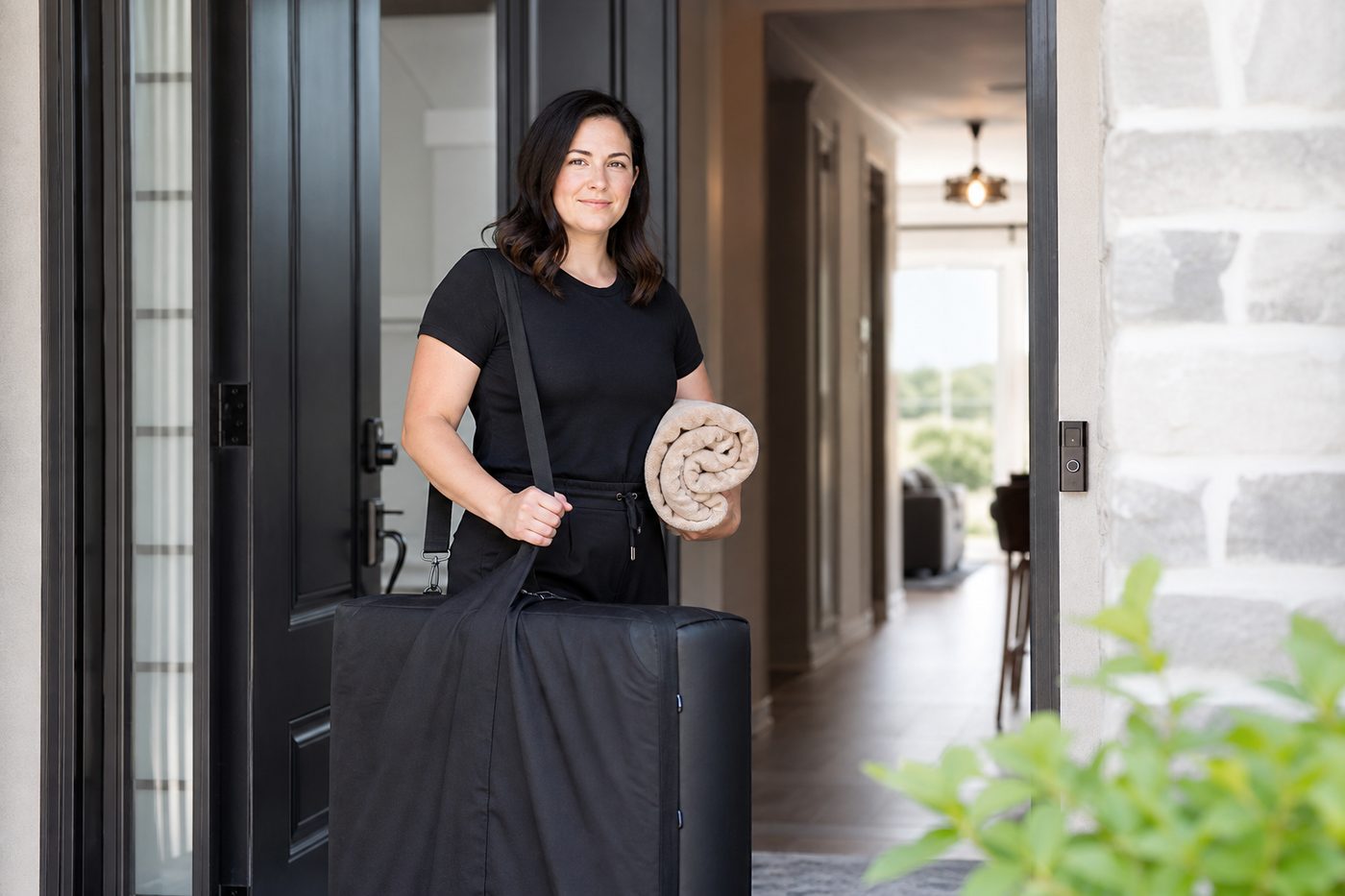
View invoices, receipts, payment status, and secure payment options through the protected portal.
Secure messages
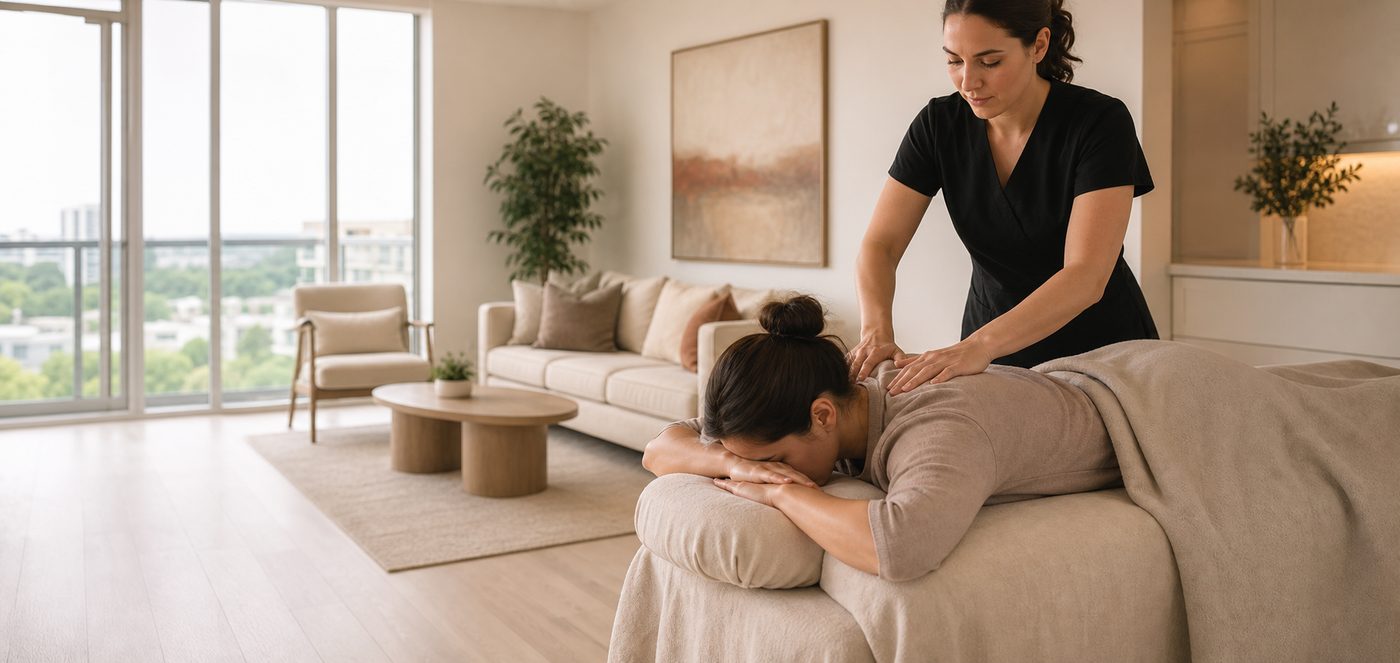
Message your practitioner in the portal, with an email alert that never exposes private message content.
Forms and documents
Complete shared forms, receive documents, and manage non-urgent care-related requests privately.
How access works
Clear steps. No guesswork.
We keep the client journey personal while making the administration easier to manage.
Request or confirm your appointment
Start with our booking request page, and share the day, area, service, and access notes that help us plan.
Receive your private invitation
Once your appointment is confirmed, you will receive a separate secure portal invitation from our practice platform.
Manage the details with confidence
Use the portal for account updates, appointment requests, billing, shared forms, and secure communication.
Private portal access
Ready for your secure invite?
Portal invitations are issued after the secure practice platform is connected and your client record is confirmed. Your private link will come from that platform, not from a generic WordPress login.
Request an appointmentKeep health details secure.
Please do not send injuries, diagnoses, session notes, payment details, or other personal health information through a website contact form or regular email.
- Use the portal for private messages and documents once invited.
- Email notifications can tell you that there is a new message without showing the message itself.
- Professional SOAP documentation is created and maintained by the practitioner as part of the clinical record.
- Use the portal or contact us directly to request access to or correction of your personal information.
Administrative support
Request your secure portal invite.
Use this short form for portal access, booking questions, receipts, or account support. Do not include personal health information.
We will reply using the email address you provide. A future secure portal invitation will come from the dedicated practice platform.
Client Centre FAQ
Thoughtful automation, human support.
Will I receive appointment confirmations and reminders?
Yes. The secure practice platform can send confirmations, reminders, payment notices, and portal invitations. Notification settings are managed through your client account.
Can I message my therapist?
Yes, once the protected portal is live and you have been invited. Messages stay inside the secure system, while email alerts simply let you know that a new portal message is waiting.
Can I view SOAP or session notes?
Professional notes are not sent through a general website inbox. If you need a record, correction, or shared document, request it through the secure portal or contact the practice directly so it can be handled appropriately.
Can I pay online?
Once the portal is connected, invoices and payment options will be handled by its protected billing system. We will never ask you to email card details.
Start with one clear request.
Tell us what you are planning, where you are located, and when you would like to be seen. We will guide the next step and activate the secure client experience when your appointment is confirmed.
Request your preferred time